 pawalbum.com
For you. For your favorite companion.
AI pet portrait generator.
You, together.
One photo of you. One of your pet. A portrait to keep.
Generate with image credits · Image 2 · 1K: 1 image credit / image
New verified accounts receive 2 image credits. No account needed to explore.
Explore portrait styles ↓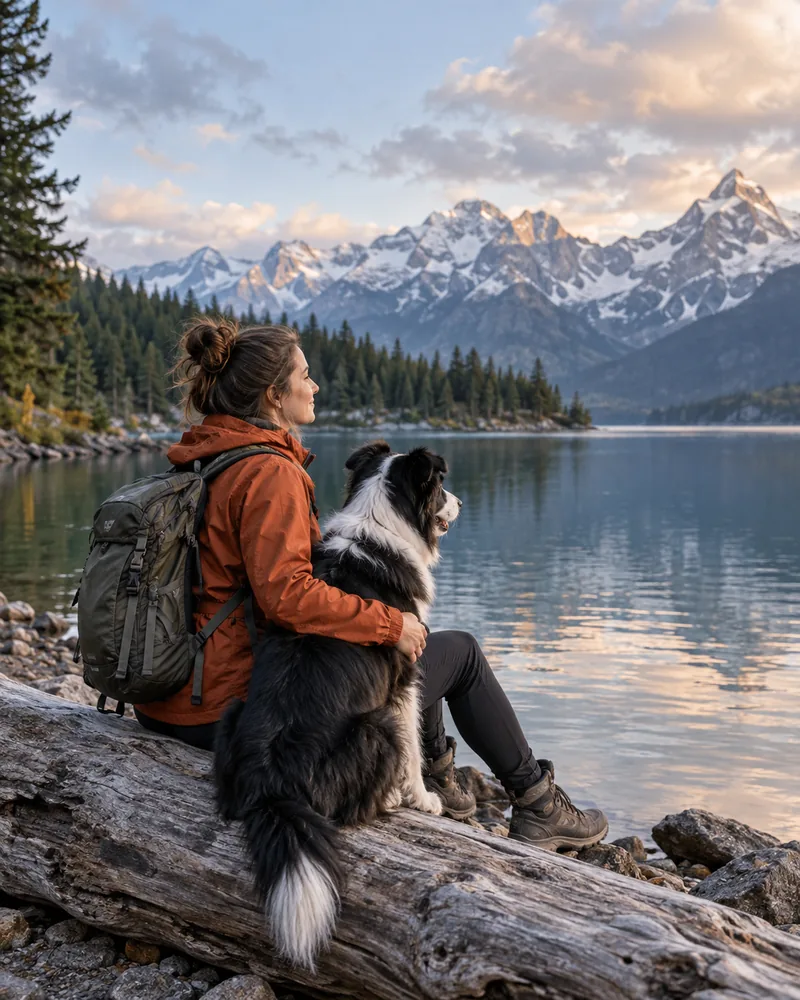
Find your kind of moment
A familiar face. A different little world.
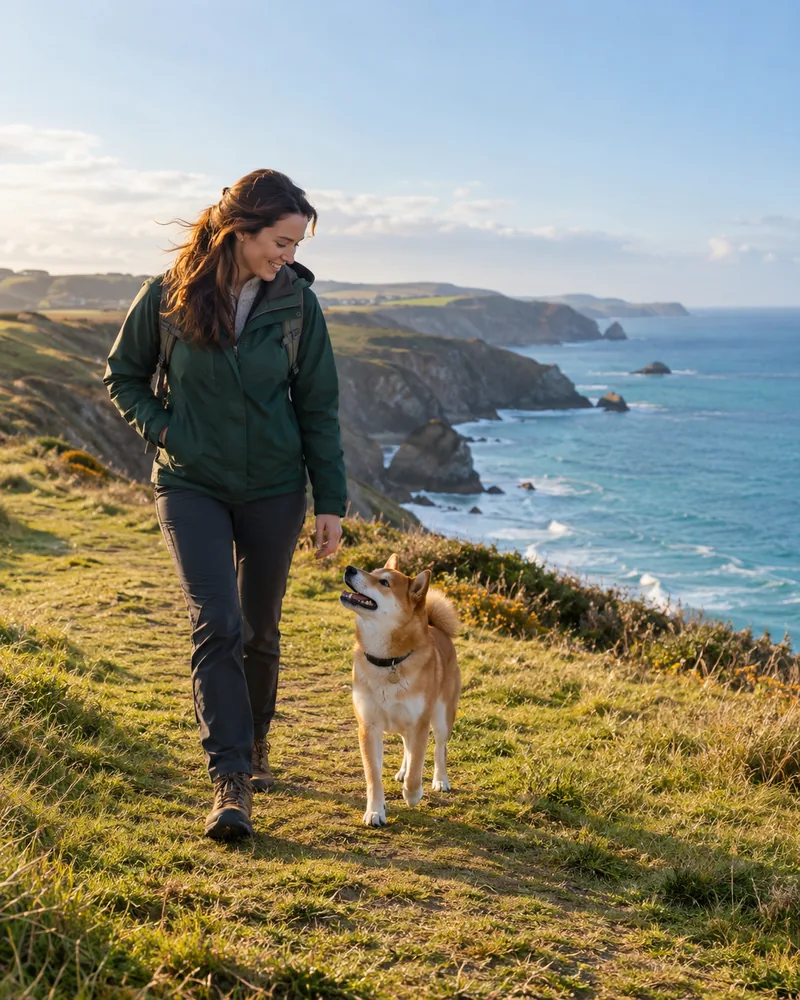
From a quiet afternoon to an outdoor adventure, choose a setting that feels like your story. These are AI-generated style examples; your portrait is made from the photos you supply.
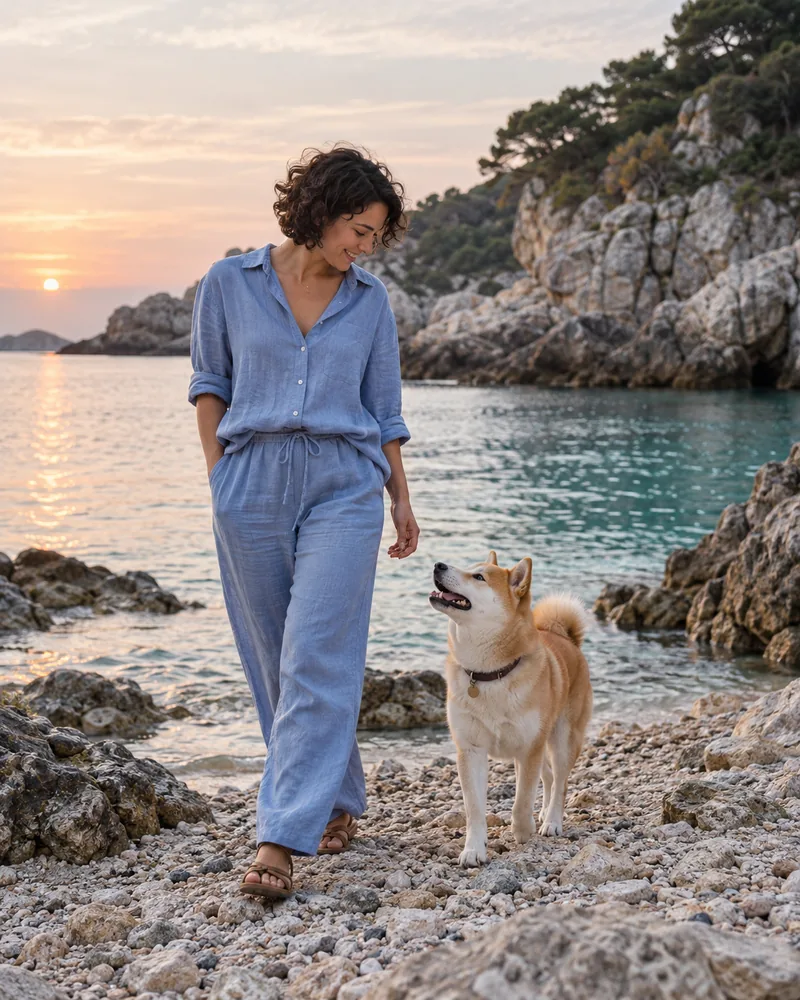
By the sea, with you
Open skies and a little sea air. A portrait for the adventures you imagine together.
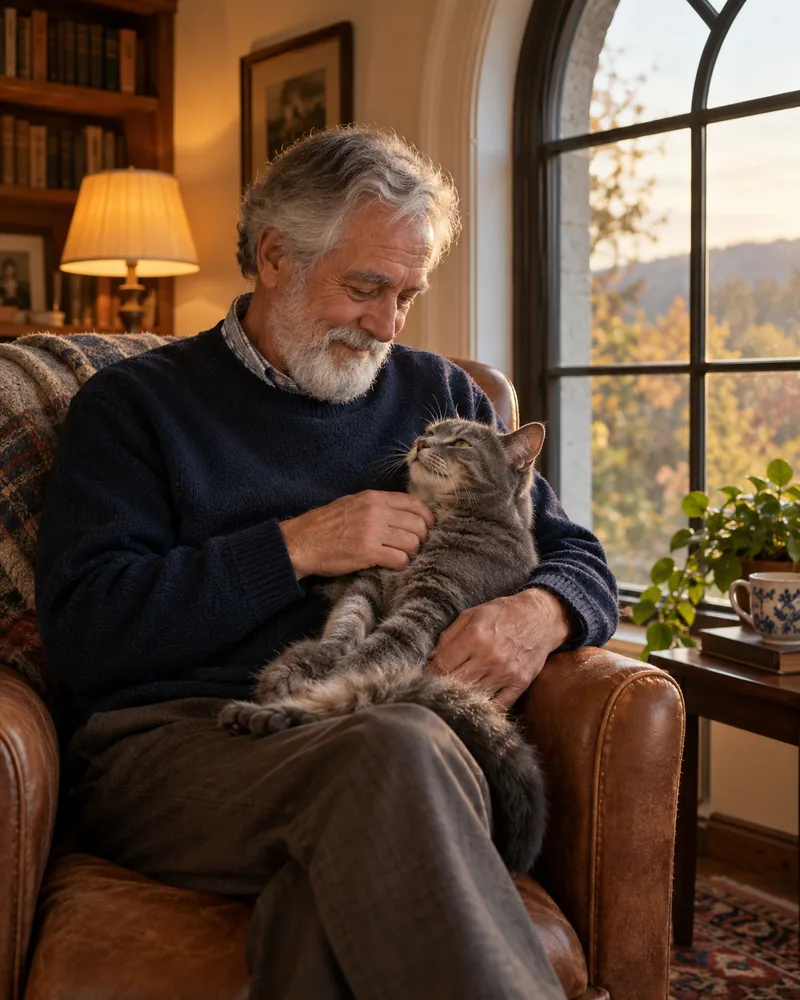
Window-side friends
Soft light and an everyday kind of closeness. Keep the moments that feel like home.
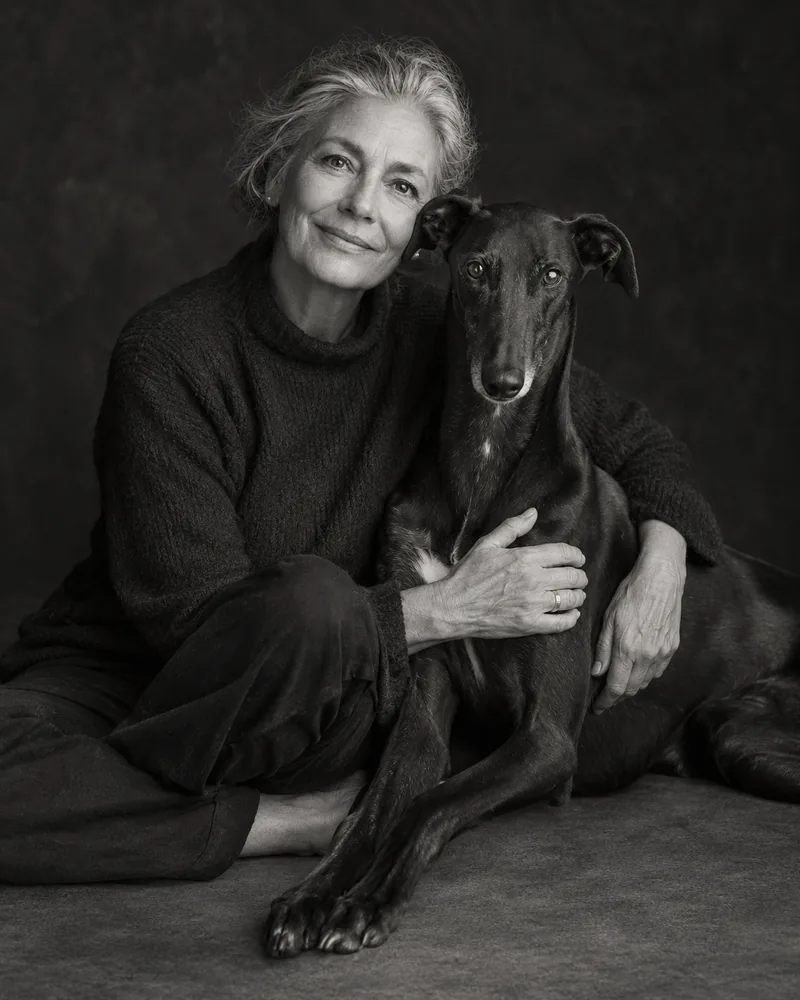
Timeless together
A simple black-and-white look that lets the connection take center stage.
From your photos to your portrait
Make something that feels like you.
Choose a story
Open the photo studio and browse the available scenes. Think about where you will use the picture: a phone wallpaper, a portrait in your album, or a keepsake card.
Add clear photos
Use a well-lit photo of your pet and an authorized photo of an adult. Keep eyes, facial features, and distinctive markings visible. Blurry or heavily filtered photos give the generator less to work with.
Create, review & keep
Generate your portrait and check the face, coat markings, and composition. Sign in to generate with image credits. Successful originals and photo-card layouts are included; failed generations return held credits.
Your story, in motion
A little walk.
A moment to keep.
Add separate photos of you and your pet, choose a story, and plan a video together. A seaside walk, a quiet window, a familiar welcome home.
- Separate person and pet reference photos
- Choose a model, length and video resolution
- Keep your plans and find completed videos in the studio
Video generation availability is shown in the studio. Image and video credits are separate.
More than a single picture
A home for the rest of their story.
Your AI portrait can sit alongside the real-life moments you never want to forget. Pawalbum also gives you a pet photo album, a journal, and care planning tools. Start on this device and sign in when you want to save to your account.
- Collect photos and everyday memories
- Keep a profile for your pet
- Record care plans and journal entries
A little preparation goes a long way
Before you create.
Choose better reference photos
Lighting, framing, pet markings, and a practical checklist before uploading.
Read the photo guide →Understand a 4K download
Pixel dimensions, aspect ratio, original images, and what to check before printing.
Read the download guide →Build a pet memory album
Organize originals and keepsakes, save useful context, and keep a backup.
Read the album guide →Good to know
Your portrait questions, answered.
What is an AI pet portrait generator?
It creates a new image using your reference photos and a chosen visual style. Pawalbum focuses on portraits of you with your dog or cat. The result is an AI interpretation, so it may change small details and is not a photograph of an event that actually happened.
Do I have to sign in before exploring?
No. You can browse the studio and use the basic album features without signing in. An account lets you keep supported journal entries, portraits, and purchase records together for later access. Sign in when you are ready to generate using your image credits.
Which photos should I upload?
Choose sharp, naturally lit photos with one clear subject. Show your pet’s face and coat markings without heavy filters or obstructions. For a person-and-pet portrait, use a photo of an adult who has agreed to its use, and only upload images you have permission to use.
Can I download my pet portrait in 4K?
The studio supports high-resolution generation when the selected model and settings provide it. Check the actual pixel dimensions on your completed image: a 2160 × 3840 portrait has a 4K-class long edge. Image size can vary with aspect ratio and model output. A keepsake-card export and the AI original are different files.
Are these physical gifts or digital downloads?
Pawalbum provides digital images and photo-card exports. We do not manufacture or ship framed portraits, mugs, or other physical products. You can use a downloaded file with a print service of your choice after checking its size and the printer’s requirements.
How much does a portrait cost?
Generate with image credits · Image 2 · 1K: 1 image credit / image. Successful credit-generated portraits include their originals and photo-card layouts. Verified new accounts receive 2 image credits. Explore the membership plans for image and video allowances; check that page for current prices and availability. Earlier purchases keep their download rights.