Two references for one story
Add person and pet references separately, then choose a story direction. Reference photos are used to guide the new scene; you do not have to create an image portrait first.
 pawalbum.com
This page is currently available in English and Simplified Chinese. The content below is shown in English.
Pawalbum · Your story, together
A walk by the sea, a quiet moment at the window, a familiar welcome home. The video studio starts with separate person and pet photos and a chosen story, so you can plan a short scene of the two of you together.
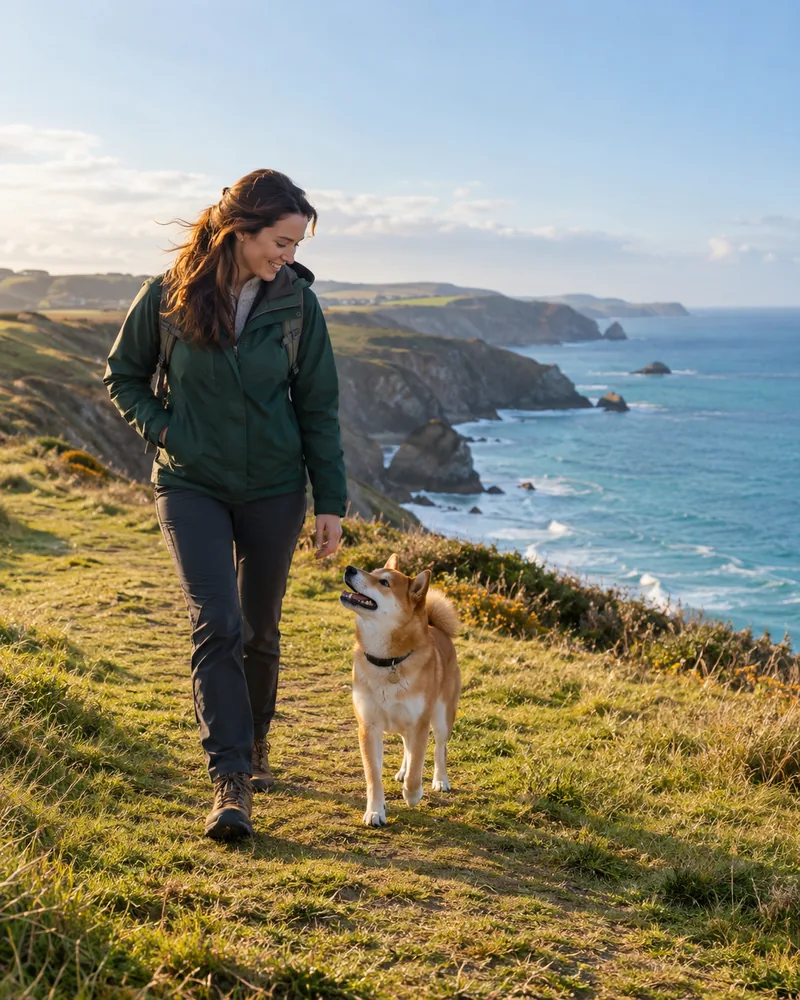
Add person and pet references separately, then choose a story direction. Reference photos are used to guide the new scene; you do not have to create an image portrait first.
Choose an available model, supported whole-second duration, resolution and aspect ratio. The studio shows the video credit quote before you submit. Available resolution options can depend on the provider line as well as the model.
Follow the submitted job and return to available results in the studio. When a video is complete, review it and download its MP4 file while the provider link is still available.
Story style illustration · Not a generated video or customer result
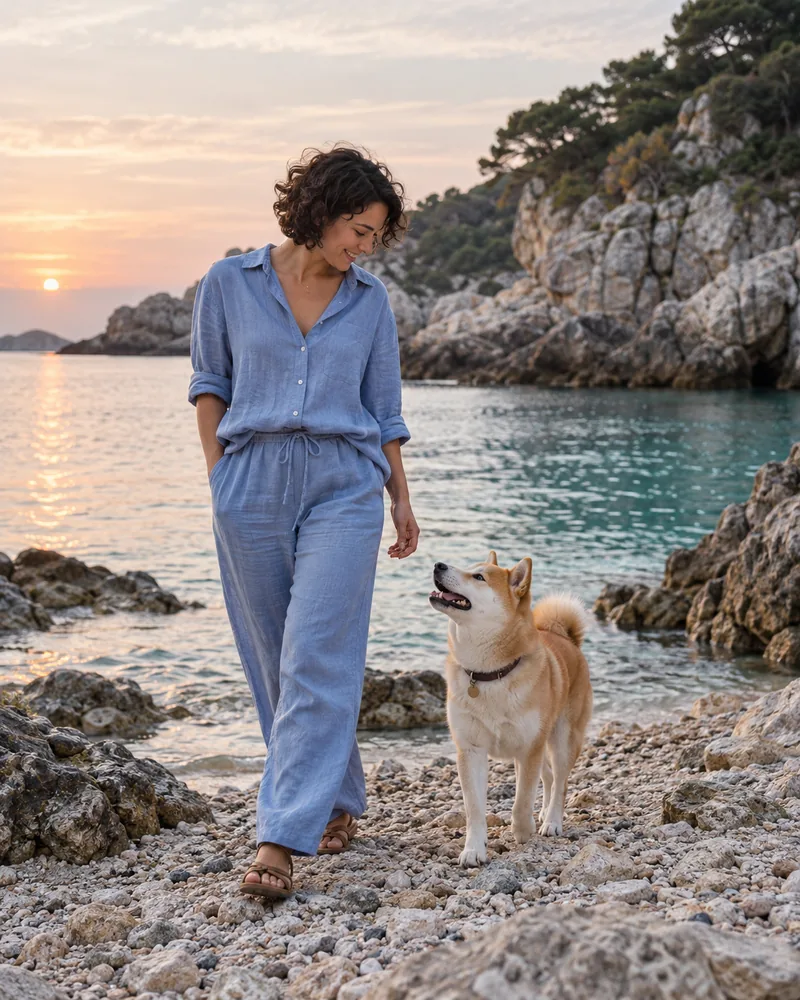
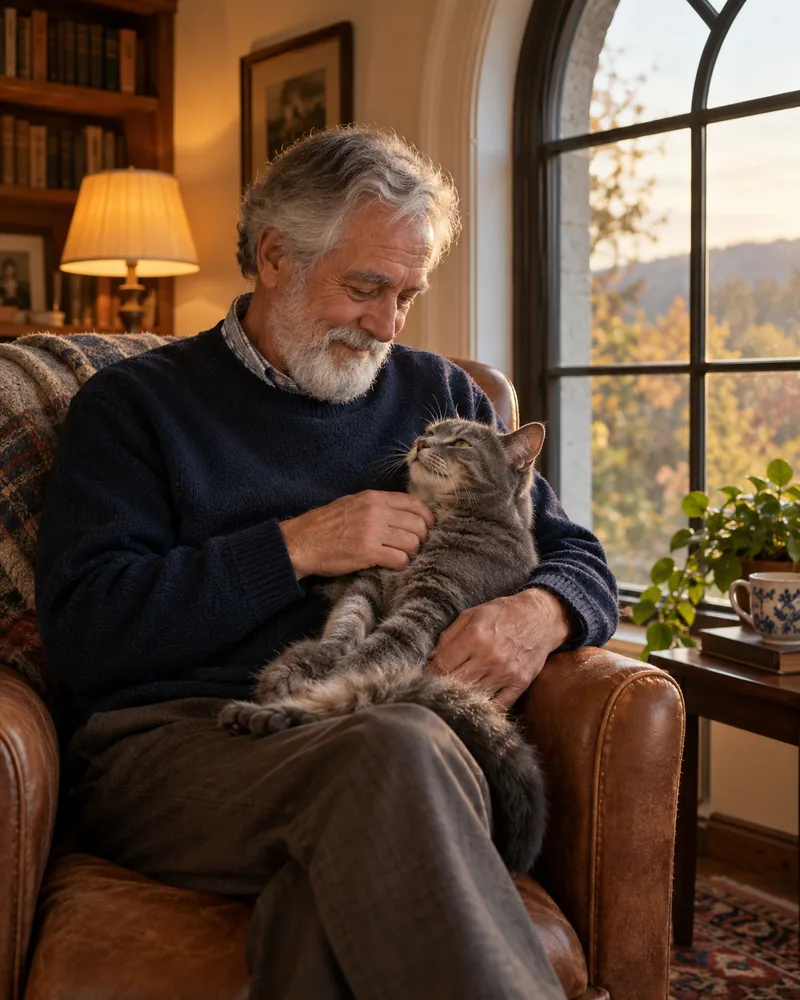
Use clear photos of an adult who has agreed to their image being used, and of a pet you have permission to photograph. Keep the subject easy to recognize and avoid heavily edited references.
Choose the story, model, length and resolution. For a short clip, favor a simple action and a stable camera. Review the separate video-credit balance and quote.
Submit once and follow that task. Check appearance, movement and interactions when it completes, then download the result. If a submission is unconfirmed, check its status rather than repeatedly generating.
Video Starter is currently listed at US$39.00 per month with 150 image credits and 150 video credits.
SD 2.5: 4–30 seconds · SD 2.0: 4–15 seconds
| Resolution | Credits per second | 10-second example |
|---|---|---|
| 480p | 1 | 10 |
| 720p | 2 | 20 |
| 1080p | 5 | 50 |
| Credit pack | One-time price | Image credits | Video credits |
|---|---|---|---|
| Video Small | US$15.90 | — | 60 |
| Video Medium | US$36.90 | — | 180 |
| Video Large | US$69.90 | — | 360 |
Monthly memberships renew until canceled; unused credits roll over. Credit packs are available separately without renewal.
Image and video credits cannot be exchanged. Check the plans and checkout pages for current availability, final taxes and totals.
Compare all plans and credit packs →The workflow uses person and pet photos directly as references for a new story video. It does not require you to generate and purchase a portrait before planning a video.
Choose a whole-second value within the selected model’s current range. SD 2.0 and SD 2.5 expose different upper limits; the supported ranges are listed below and confirmed in the studio.
Video credits are quoted per second at the selected resolution. Multiply that rate by the chosen duration. For example, a 10-second clip uses ten times the displayed per-second rate.
No. These are clearly labeled story-style illustrations. They help you choose a scene and are not presented as generated video footage or customer testimonials.