Photos with a story
Collect everyday memories and add the context that a camera roll leaves out. Keep a note about the occasion, the pet and the things you would like to remember when you revisit a photo.
 pawalbum.com
This page is currently available in English and Simplified Chinese. The content below is shown in English.
Pawalbum · Your story, together
Some memories are a favorite photo. Others are the first walk in a new place, a small change in routine, or a day you simply want to remember. Pawalbum gives those moments a place beside your pet’s profile and care plans.
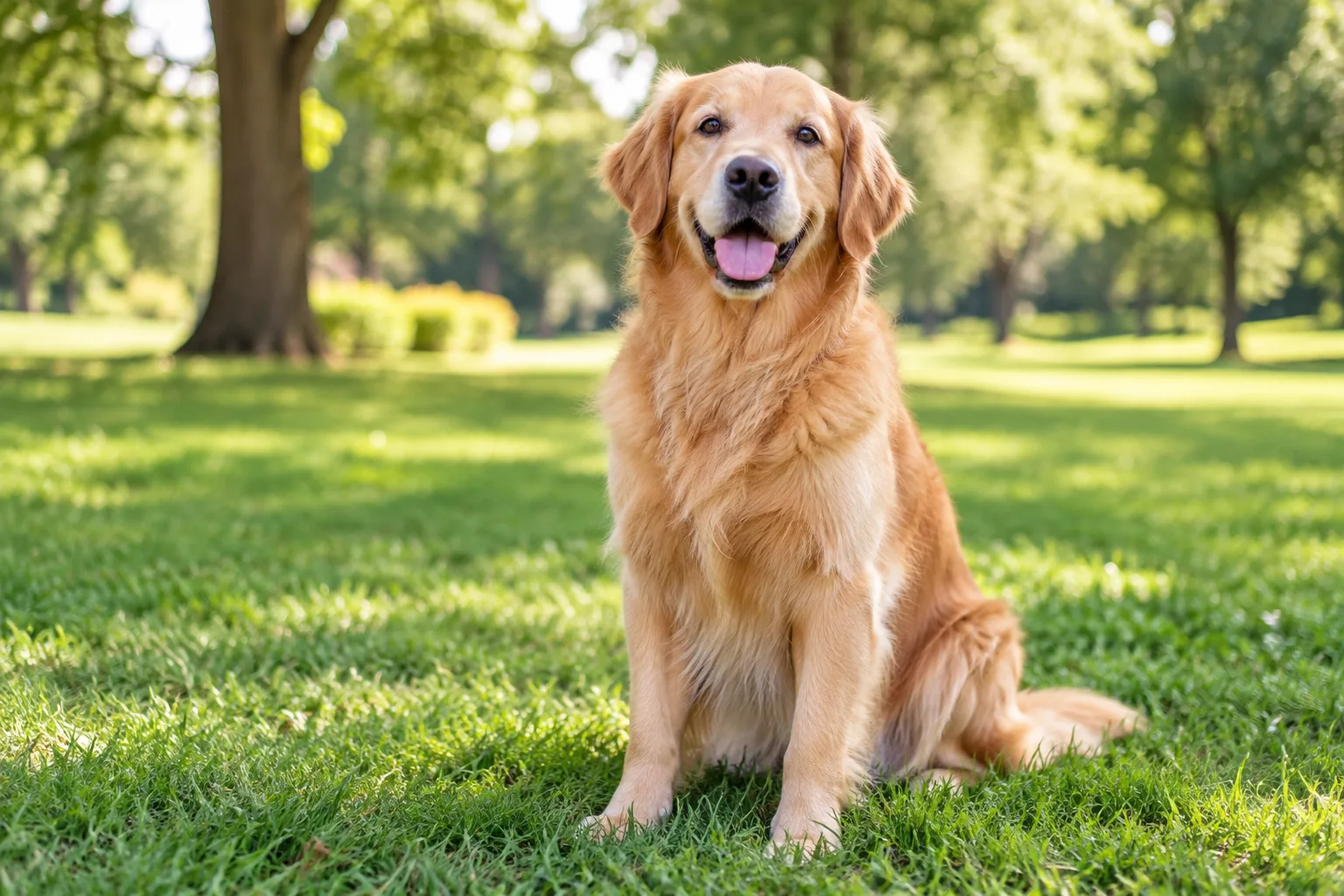
Collect everyday memories and add the context that a camera roll leaves out. Keep a note about the occasion, the pet and the things you would like to remember when you revisit a photo.
Use pet profiles and dated journal entries to organize daily life. Care plans and reminders sit alongside the journal, so a routine and a special memory can be found in the same place.
Your own photos can sit alongside the AI portraits you choose to keep. An AI image is a creative keepsake, not evidence that an imagined trip or moment actually happened.
Keep a photo from a walk beside a short note and a later care plan. You choose and save the date, words and photos that belong to your own pet’s story.
Open the album and look around the sample journal. Choose the create-your-journal action when you are ready to start recording your own pet’s story.
Create a pet profile, add a memory and record a journal entry. Add care plans if you want reminders; you can start with a simple album and use the other features later.
Local records belong to this browser. Sign in and explicitly save guest records to your account when supported. Export a backup and keep copies of the photos you cannot replace.
Basic local albums and journals do not use AI image or video credits. AI creations are priced separately using the chosen generation settings.
Monthly memberships renew until canceled; unused credits roll over.
Image and video credits cannot be exchanged. Check the plans and checkout pages for current availability, final taxes and totals.
Compare all plans and credit packs →You can explore the example and start a local journal without buying an AI plan. Image and video generation are separate features, with their own account and credit requirements.
Do not rely on automatic transfer. Use the account-saving action for supported guest records and verify the result in your account. Keep an exported backup for local journals.
You can keep supported completed portraits with your memories and download the original files. Your photo-card export and the AI original are different files; keep the version you need.
A local deletion does not remove downloads or shared copies. Server records, backups, order records and third-party processing follow the published privacy and deletion rules.