Separate photos, one scene
Start with a person reference and a pet reference. Clear facial features, coat markings and natural light give the model useful information. Avoid collages, heavy filters and faces hidden behind objects.
 pawalbum.com
This page is currently available in English and Simplified Chinese. The content below is shown in English.
Pawalbum · Your story, together
You do not need to arrange a perfect photo together first. Add a clear photo of an adult and a separate photo of your dog or cat, then choose a story style. Pawalbum uses those references to create a new portrait of you together.
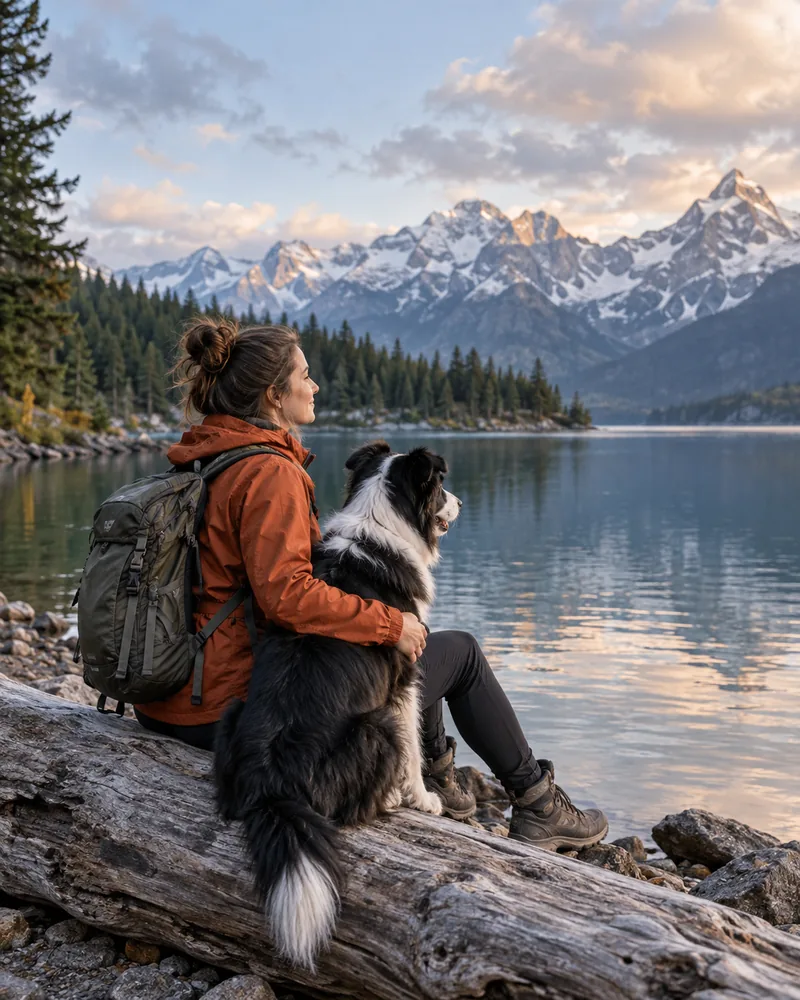
Start with a person reference and a pet reference. Clear facial features, coat markings and natural light give the model useful information. Avoid collages, heavy filters and faces hidden behind objects.
Explore settings such as a quiet lake, a coastal walk or soft window light. Choose the available portrait, landscape or square format in the image studio, and add a short visual request if you have a particular detail in mind.
Compare Image 2 and Image 2.5, then select 1K, 2K or 4K. The studio shows the requested dimensions and credits before generation. Actual output dimensions depend on the model and aspect ratio.
AI style example · Not a verified before-and-after customer case
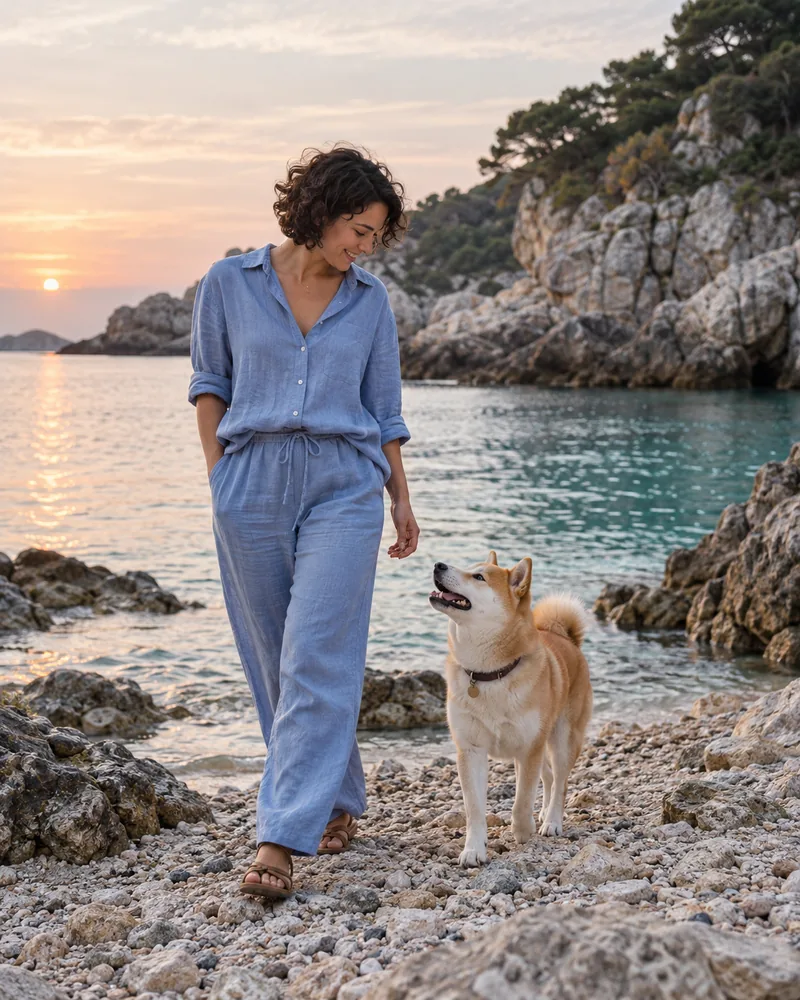
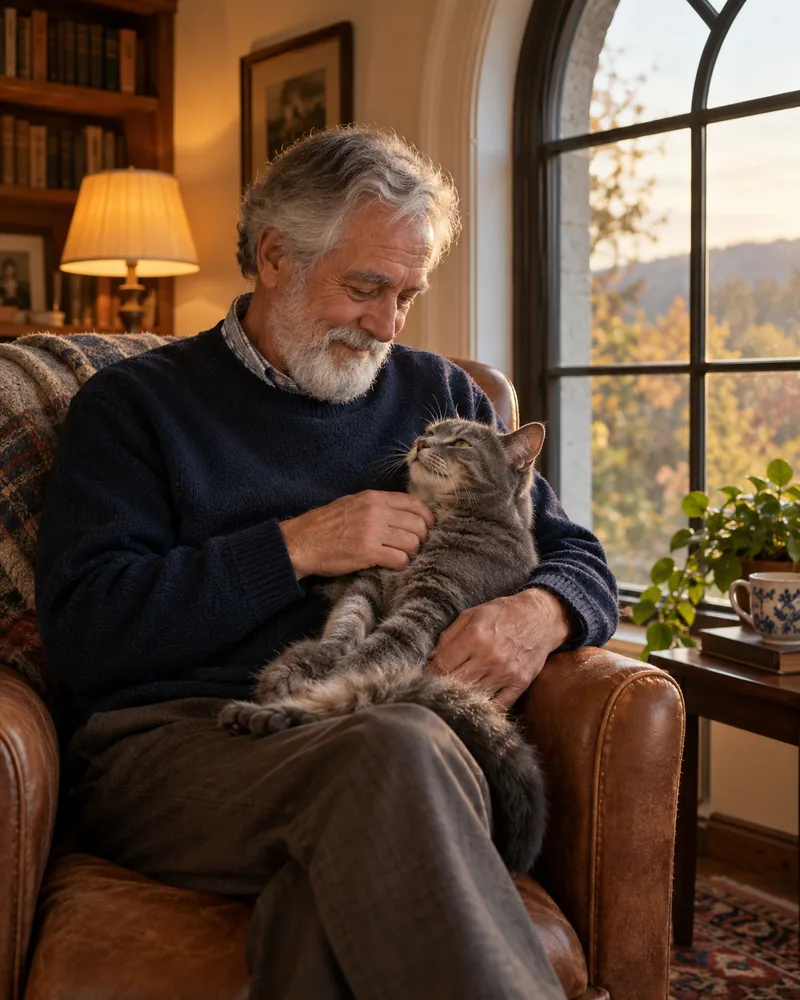
Upload photos you have permission to use, with an adult who has agreed to the use of their image. Show one clear person and one clear pet in the respective references.
Pick the scene, model, resolution and aspect ratio. Review the credit quote and available image balance before submitting; video credits cannot pay for an image.
Check the person’s appearance, your pet’s markings and the composition in the completed result. Download the original or a supported photo-card layout and keep a local copy.
The image membership is currently listed at US$19.00 per month with 150 image credits.
| Model | 1K | 2K | 4K |
|---|---|---|---|
| Image 2 | 1 | 2 | 4 |
| Image 2.5 | 2 | 4 | 5 |
| Credit pack | One-time price | Image credits | Video credits |
|---|---|---|---|
| Image Small | US$9.90 | 50 | — |
| Image Medium | US$19.90 | 150 | — |
| Image Large | US$39.90 | 300 | — |
Monthly memberships renew until canceled; unused credits roll over. Credit packs are available separately without renewal.
Image and video credits cannot be exchanged. Check the plans and checkout pages for current availability, final taxes and totals.
Compare all plans and credit packs →No. The image studio accepts separate person and pet references, so you can plan a scene without taking a new photo together. A clear, unobstructed reference is more useful than a heavily edited one.
Successful credit-generated portraits include their original download and supported photo-card layouts. There is no additional original-image purchase for that successful credit generation.
Compare the credit quote and the model options in the studio. Image 2 and Image 2.5 have different resolution rates. A higher-priced choice does not guarantee an exact likeness or a perfect result.
The images on this introduction are AI style examples. They show scene direction; they are not presented as authorized customer before-and-after evidence.